Puente Manage
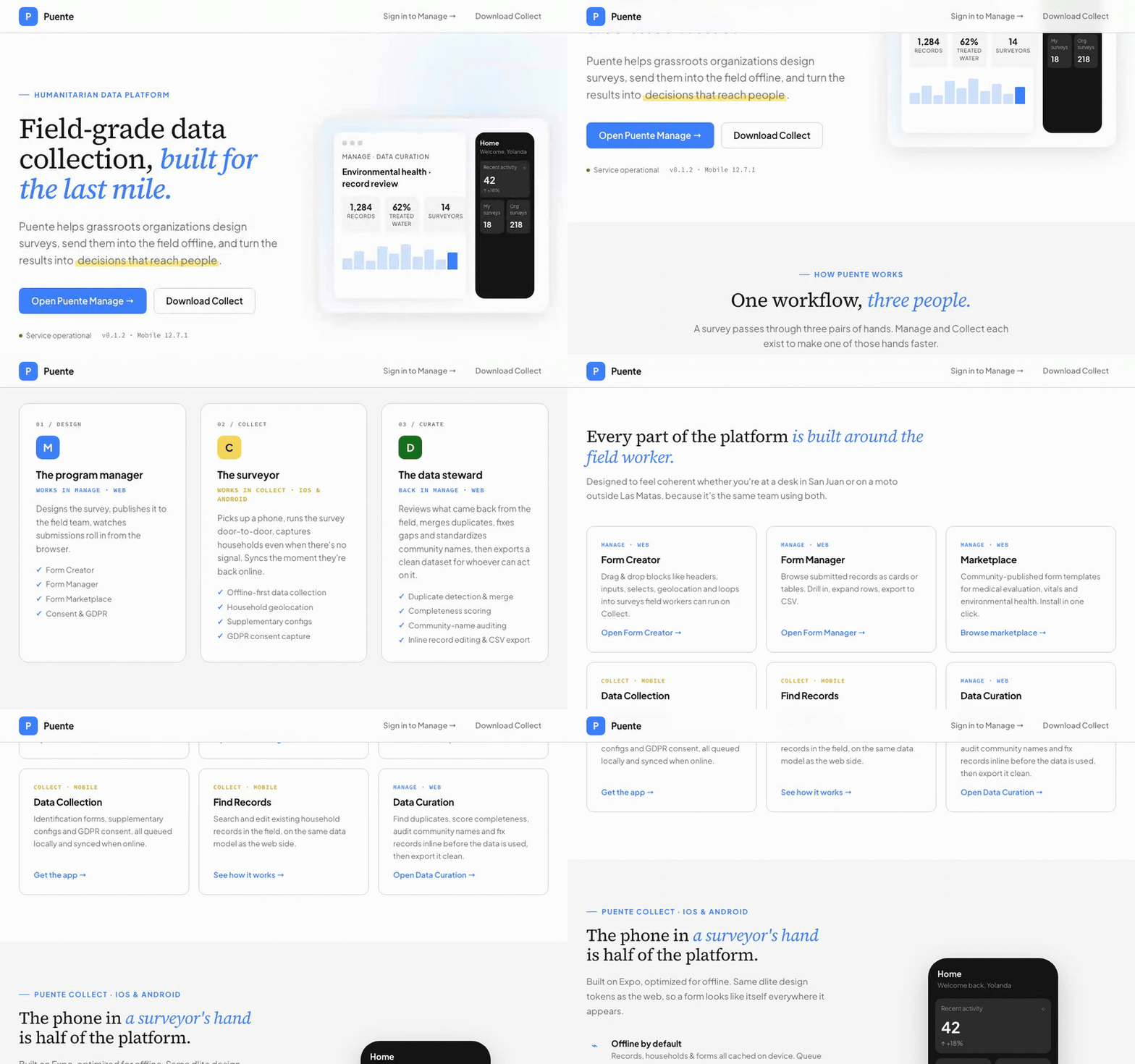
Puente Manage is the web half of Puente's toolkit: a humanitarian data platform grassroots organizations use to design surveys, send them into the field on Puente Collect, and turn what comes back into decisions that reach people. It's built around three people doing one workflow instead of one generic CRUD app trying to be everyone's tool.
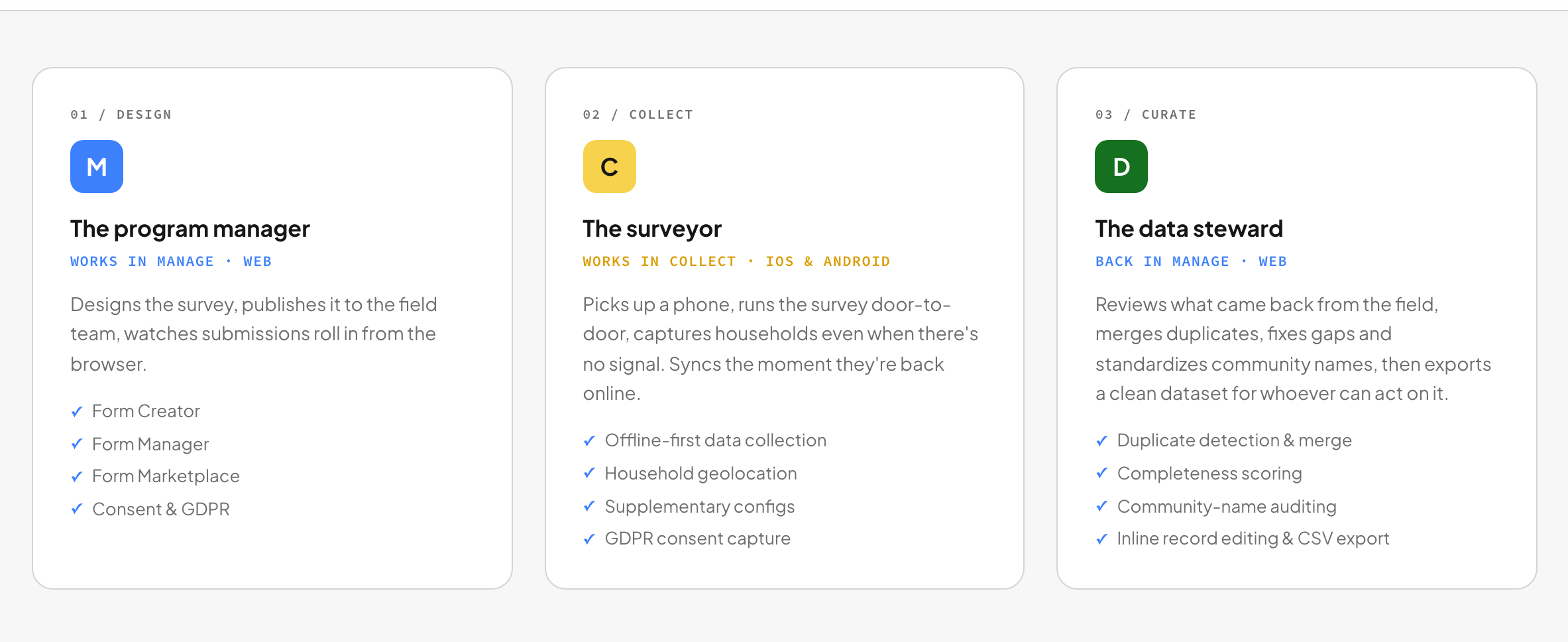
A program manager designs the survey and publishes it. A surveyor picks up a phone and runs it door-to-door, no signal required. A data steward reviews what comes back, merges duplicates, and exports a clean dataset for whoever needs to act on it. Manage is where two of those three roles live: design and curation bookend the offline collection Puente Collect handles in between.
Building a survey without touching a database
Form Creator is a drag-and-drop builder: headers, single/multi-select questions, number and text responses, geolocation blocks, all composable into a form a health worker runs on their phone. Publishing is immediate (no rebuild, no app-store round trip) because Collect reads form structure from Parse at runtime instead of shipping it baked into the app binary.

Every submission has to land somewhere reviewable
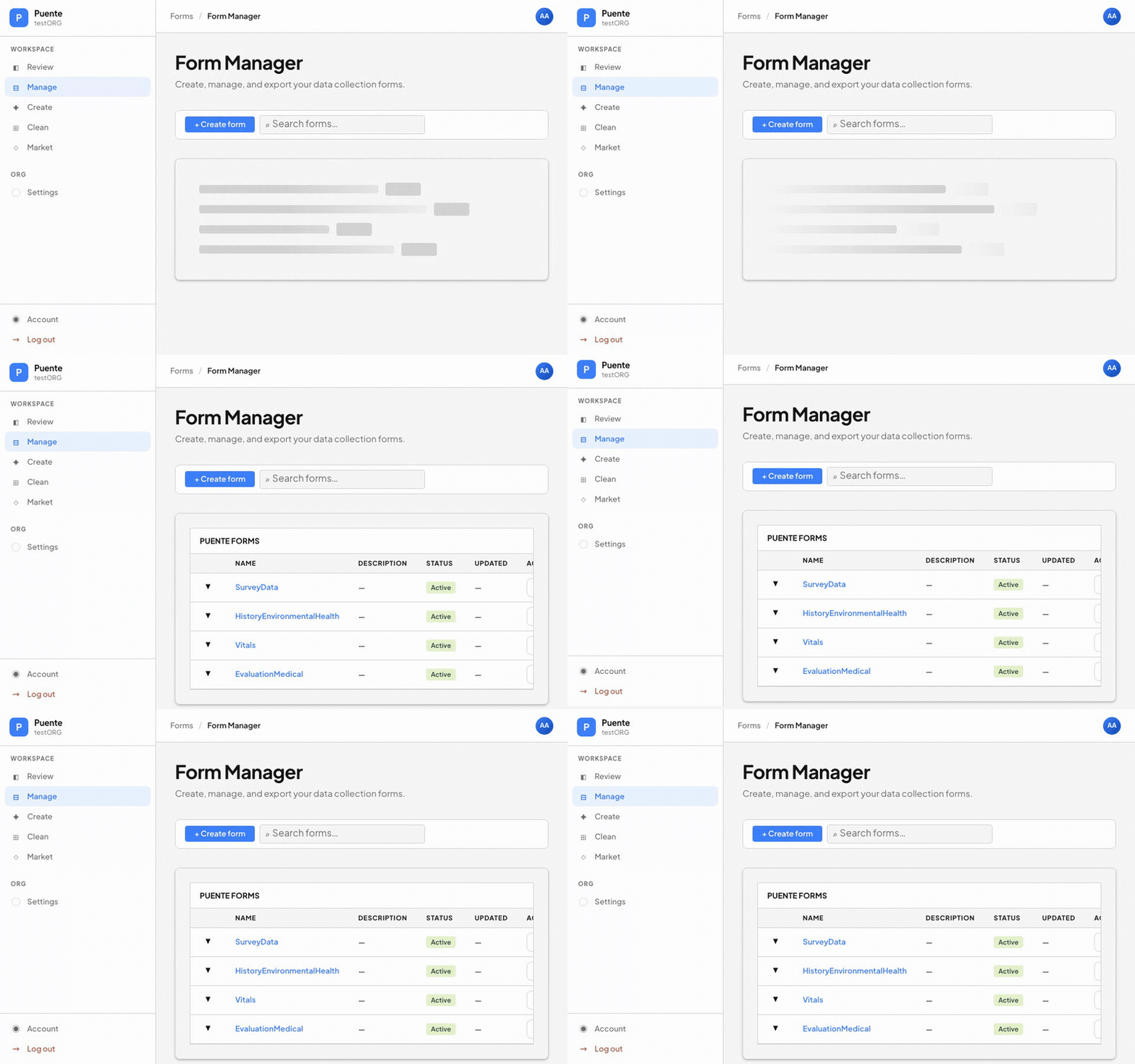
Form Manager is where a program manager sees what's actually being collected: a table of every form the org runs, split into built-in templates (SurveyData, Vitals, HistoryEnvironmentalHealth) and organization-authored custom forms, each with status, last-updated date, and a one-click CSV export. It's the least glamorous screen in the app and the one a data manager opens first every morning.
Data Curation: the step between "collected" and "usable"
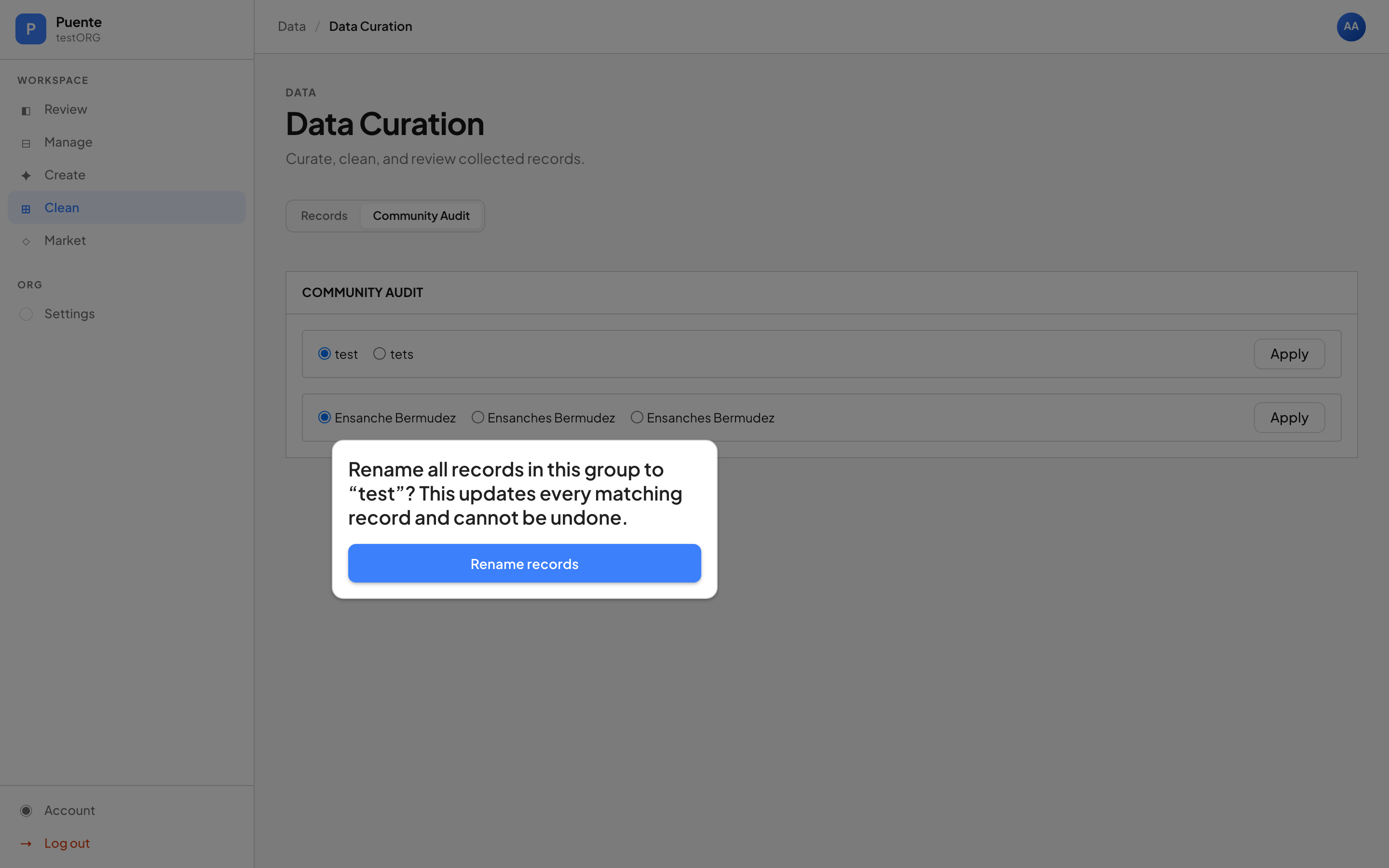
Field data is never clean on arrival: the same household gets surveyed twice, a community name gets spelled three different ways across surveyors, a form gets submitted 40% empty. DataCurationManager is the tool that closes that gap before a dataset goes anywhere: completeness scoring per record, same-day duplicate detection by household ID, anomaly flags below a completeness threshold, and a community-name audit that lets a data steward pick the canonical spelling and apply it across every matching record in one action, the kind of operation that's routine for a data steward and genuinely dangerous to get wrong, which is why it's a deliberate, confirmed action rather than a silent background job.
/data/data-curation used to be a route that rendered an empty state and nothing else; it's now five subcomponents (FilterBar, SourceSelector, RecordsTable, RecordInspector, CommunityAudit/DuplicateResolver) sitting on top of three small, dependency-free, easily-unit-tested functions doing the actual scoring and matching logic.
An audit-driven redesign, compressed into one day
By early 2026 the app had drifted from its own intent: four sidebar links (Surveyors, Households, Consent, Members) had been scaffolded years earlier and led nowhere, the dashboard showed literal placeholder text, and Form Creator was still on Material-UI while the rest of the design system had already moved to CSS Modules and style-dictionary-dlite-tokens, the same token package Collect uses, so a form looks like itself whether a program manager is looking at it in a browser or a surveyor is looking at it on a phone. A pre-built design audit identified 11 findings spanning tokens, cross-platform consistency, and information architecture; I compressed the resulting plan into a single 9-phase sprint, each phase RED-tested before its implementation landed: dead links removed, dashboard stats wired to real org-scoped Parse queries, MUI stripped from Form Creator and all four auth pages, and six locale files purged of leftover SaaS-template boilerplate.
Testing that finally touches a real Parse Server
Every one of the 230+ tests that came out of the redesign mocked Parse entirely: hand-rolled query-chain stubs standing in for equalTo, find, count. That's fast, but it meant no test had ever exercised a real Parse Server, so schema drift and CRUD edge cases could pass the full suite and still break in production. I added a second integration tier (a real parse-server and mongodb-memory-server spun up per test run, colocated as *.integration.test.js next to the unit tests for the same module) and wired both tiers plus lint into a CI gate that blocks merge on any failure. The payoff was immediate: real FormCreator and Inspector bugs, invisible to the mocked suite for months, surfaced and got fixed the same day the integration harness landed.
Stack
Next.js, Parse, GraphQL (Apollo), style-dictionary-dlite-tokens, Jest + React Testing Library across unit and Parse-integration tiers, GitHub Actions CI, Playwright for visual QA, and the same red-green-tdd/dlite-design-system Claude Code skills used on Collect, adapted for this stack.