Try — Your Triathlon Coach
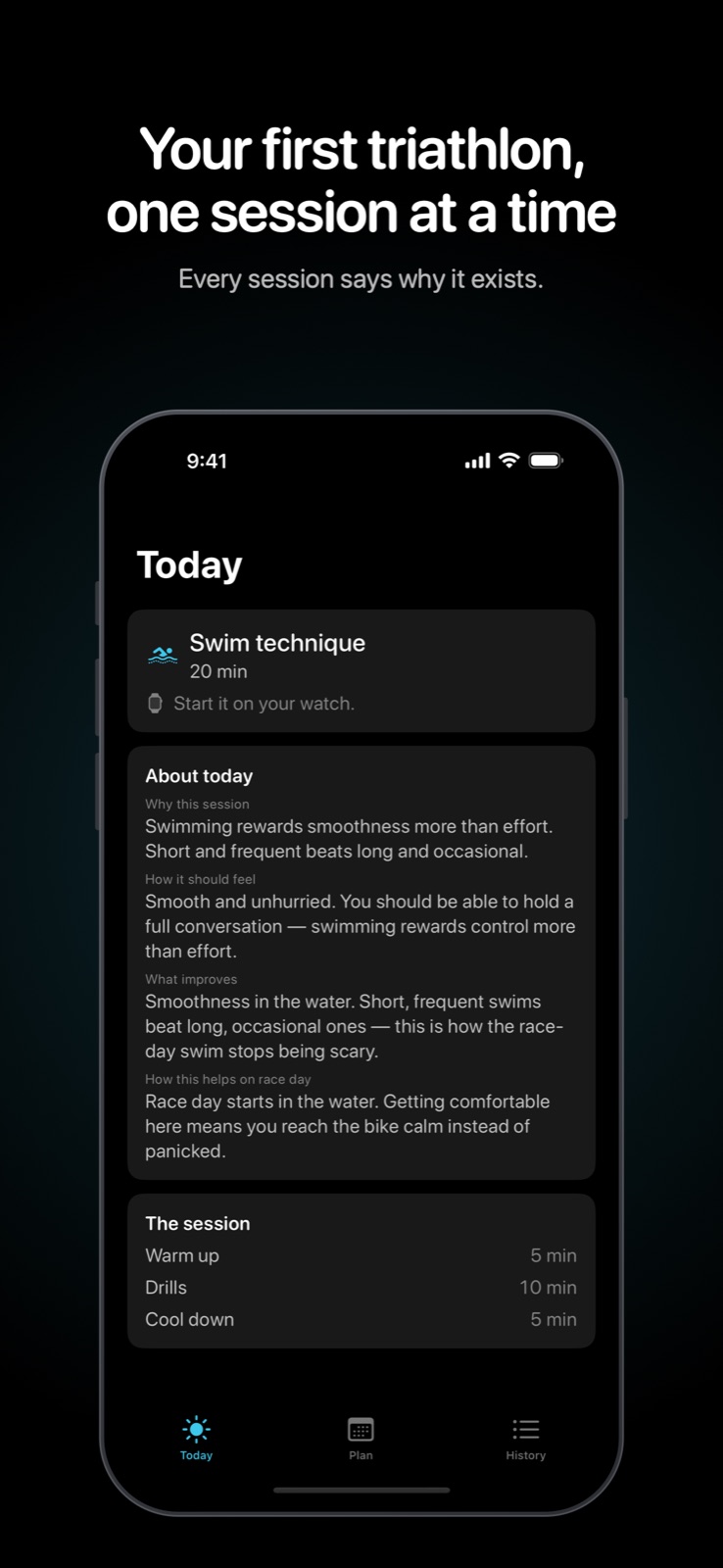
I wanted a coach that would get out of the way once the workout started. Training apps tend to open on a dashboard: metrics, a streak, a decision to make before you've left the house. This one does the opposite. Tell it when the race is and it builds the block, twelve weeks for a first Sprint or sixteen for an Olympic. The watch opens on today's session, already chosen, with one button to start.
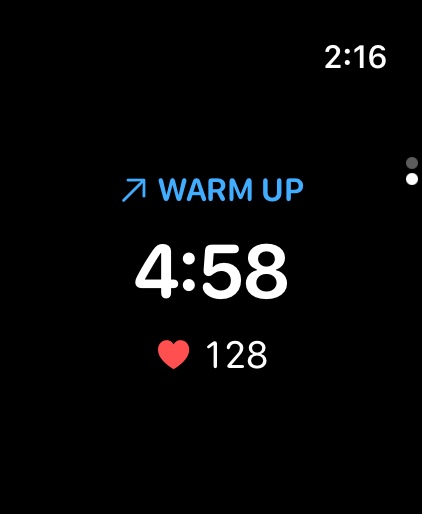
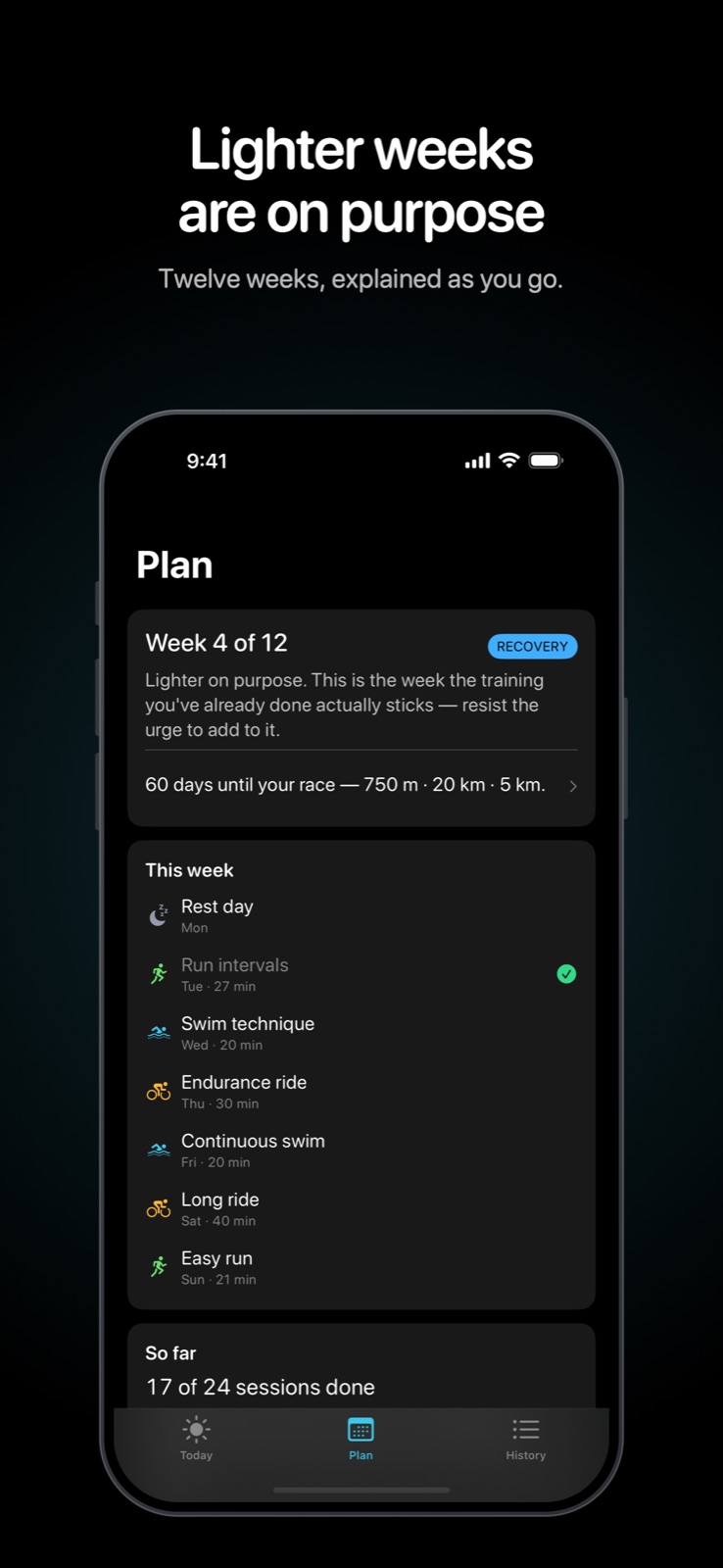
The watch is for doing the workout. The phone is for understanding it. Intervals are counted out in taps so the music never gets talked over, and the screen mid-session is the interval, the time left, and heart rate. The iPhone is where "why this session" lives, including the lighter weeks, which are deliberate.
Permission to miss a day
There is no streak. Ending a session early still logs it. Miss a day and nothing gets piled onto tomorrow. Come back after a week away and the plan eases in, instead of handing back the week you skipped. A first triathlon usually falls apart from guilt, not from a lack of charts, so the software refuses to keep that kind of score.
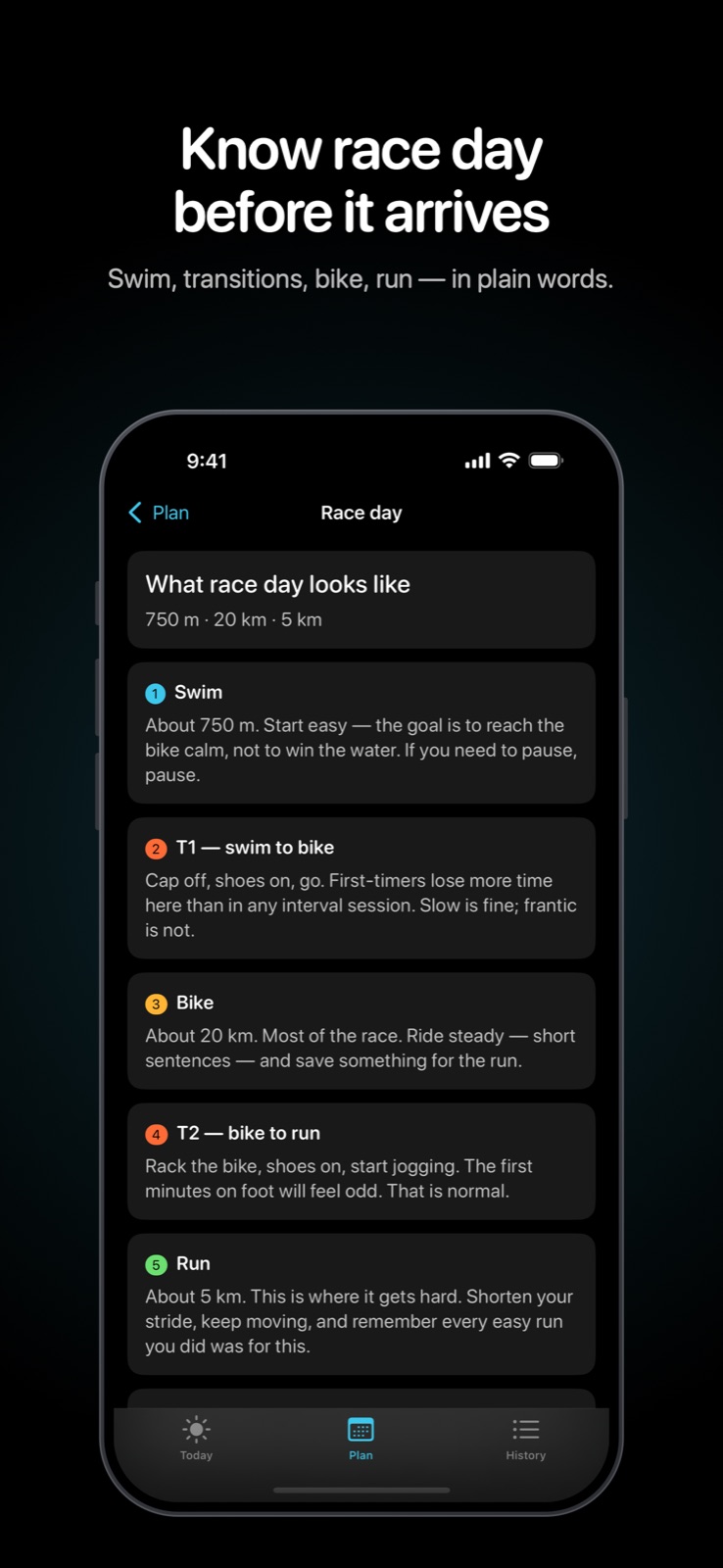
Can't swim today? Swap it for a ride or an easy run, and the plan says what that trade costs. Once the first brick is done, race day is written out in order: swim, transition, bike, transition, run. The changeovers are where a first race actually gets messy.
Nothing leaves the devices
No account, no server, no analytics. Workouts go to Apple Health so they count toward the rings, and that is the whole network story. The public page is a static one-pager: what the product is, a sample week, and the privacy policy the store listing needs. Plain HTML, no build step.
Stack
SwiftUI on watchOS and iOS. HealthKit runs the session on a real watch. A watch simulator can't grant that authorization, so simulator builds use a fake clock and device builds never do. Three Swift packages split the work: the interval timeline, the training block, and the cue budget, which is how often the watch is allowed to tap or speak. The watch app ships inside an iOS container, and releases go out through Xcode to App Store Connect.